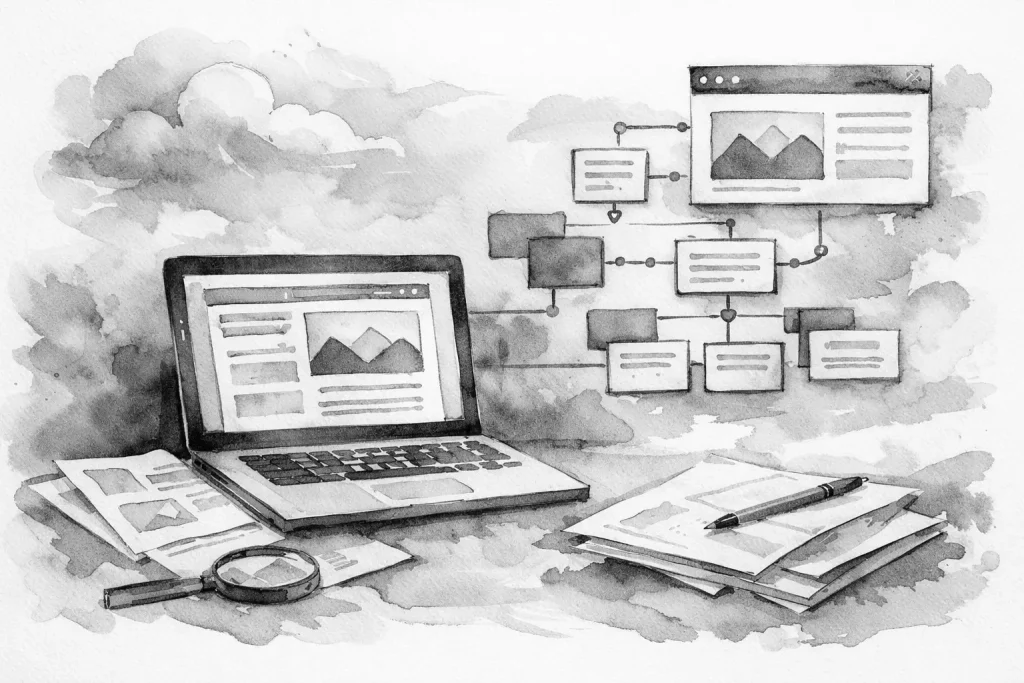
If your website has good information but people still call with basic questions, land on the wrong page, or drop off before contacting you, the problem is often structure. A strong website content organization strategy fixes that. It helps visitors find what they need faster, helps search engines understand your site more clearly, and gives your business a cleaner foundation for growth.
For small businesses, this is not a branding exercise. It is an operational one. When content is organized well, service pages work harder, forms make more sense, internal updates take less time, and your site stops fighting against your sales process.
What website content organization strategy actually means
Website content organization strategy is the plan behind how your pages are grouped, labeled, prioritized, and connected. It covers your navigation, page hierarchy, internal page relationships, and the way information is broken up across the site.
This is different from simply writing content. You can have well-written copy and still have a site that feels confusing. A visitor should not have to guess where pricing details might be, whether a location page is the right place to request service, or if your main service is buried under a vague menu label.
Good organization creates a clear path. It answers three practical questions fast: what you do, who it is for, and what the visitor should do next.
Why poor organization costs more than most businesses realize
When a site is disorganized, the damage is usually gradual. You do not always notice it in one obvious failure. Instead, it shows up as friction.
Your staff answers the same questions repeatedly because the website does not surface key information clearly. Visitors enter through search on a page that lacks context and then bounce because there is no next step. Service pages compete with each other because the page structure is messy. Updating one section turns into a scavenger hunt because nobody knows where related content lives.
There is also an SEO cost. Search engines rely on structure to understand topic relevance. If your content overlaps heavily, uses inconsistent labels, or spreads one service across five thin pages, you make indexing and ranking harder than it needs to be. More content does not fix that. Better organization does.
Start with business reality, not a sitemap
A practical website content organization strategy starts with how your business actually operates. That means looking at your services, locations, customer questions, lead flow, and internal processes before you start moving pages around.
For example, a contractor may think in terms of crews and project types, while a customer thinks in terms of the problem at home. A medical office may organize internally by department, while patients are looking for symptoms, treatments, insurance details, and booking steps. A multi-location business may want each branch represented, but not every service needs a separate page for every town.
This is where many websites go sideways. The structure reflects how the owner talks about the business, not how customers search or decide. Those are related, but they are not always the same.
The core pieces of a strong content structure
A solid structure usually has a clear top level, focused service sections, supporting pages, and intentional pathways between them. That sounds simple, but the details matter.
Your top-level navigation should be limited to the sections people actually use. If every page is treated like a top priority, nothing feels prioritized. Most small business sites need a straightforward set of primary paths such as services, about, locations if relevant, resources if useful, and contact.
Under that, service pages should be specific enough to match real customer intent. If you offer several related services, it is usually better to create a parent service category with child pages than to force everything into one broad page. The trade-off is maintenance. More pages can improve clarity and search visibility, but only if each page has a distinct purpose. Thin, repetitive pages create clutter.
Supporting pages matter too. FAQs, service area pages, process pages, and industry-specific pages can all help, but only when they support the main conversion path. If they exist just to fill out the site, they become dead weight.
How to decide what pages you actually need
The easiest way to overbuild a site is to create pages based on assumptions instead of patterns. A better approach is to review what people ask, how they search, and what decisions they need to make.
Start with your core services. Each service deserves its own page if it has a distinct audience, process, result, or search demand. If two services are always sold together and no customer meaningfully separates them, they may belong on one page.
Then look at support content. If customers regularly need proof, timelines, requirements, or service area confirmation before they contact you, that information should live somewhere obvious. Not every answer belongs on the homepage. The homepage should route people well, not carry the entire business on its back.
This is also where local businesses need restraint. If you serve multiple towns, location pages can be useful, but only when they provide real value. A location page should reflect actual operations in that area, not just repeat the same paragraph with a city name swapped in.
Website content organization strategy for SEO and conversions
A good website content organization strategy serves both search visibility and user action. Those goals support each other when the structure is clean.
Search engines prefer clear topical groupings. If your main roofing page links naturally to repair, replacement, inspections, financing, and service area information, the relationship between those topics is easier to understand. Visitors benefit too because they can move from general information to the exact page that matches their situation.
This is why internal page relationships matter. Every important page should have a clear role in the site. It should either introduce a topic, deepen it, support decision-making, or convert the visitor. If a page does none of those things, it may not need to exist.
There is an important trade-off here. Some businesses chase search demand by creating a large number of pages. Others stay too lean and force broad topics into generic pages. The right balance depends on your service mix, your market, and your capacity to maintain the site. The goal is not page count. The goal is clarity.
Common organization mistakes small businesses make
The most common mistake is vague labeling. Menu items like Solutions, Learn, or What We Do may sound polished, but they often hide the actual content. Clear labels usually win.
The second mistake is flattening everything. When every page sits at the same level, users lose context. Grouping related content helps people understand where they are and what comes next.
The third mistake is mixing audiences on the same page. If one page tries to speak to homeowners, commercial buyers, job applicants, and existing customers all at once, nobody gets a clean path.
Another frequent issue is letting the homepage become a storage unit. Businesses keep adding sections because they are unsure where content belongs. Over time, the homepage turns into a long, unfocused scroll that introduces too much and resolves too little.
A practical way to improve your current site
If your existing site feels scattered, do not start by redesigning everything. Start by auditing what is there. List every page, its purpose, its audience, and whether it supports a meaningful next action. You will usually find overlap, outdated pages, missing pages, and navigation labels that no longer reflect the business.
From there, map the ideal customer paths. A new visitor should be able to identify the right service, understand the basics, build trust, and contact you without unnecessary detours. Existing customers may need different paths, such as forms, support details, or account-related information. Those paths should not compete with lead generation pages.
Then simplify. Merge overlapping pages. Rename unclear sections. Create stronger parent-child relationships between broad topics and detailed service pages. Add supporting content only where it reduces friction.
For many local businesses, this work has a bigger impact than adding another batch of blog posts. Better structure improves what you already have.
Build for maintenance, not just launch
The best content structure is one your team can maintain. That matters more than most businesses expect. If publishing updates requires too much guesswork, the site gets stale. If no one knows where new services belong, content starts drifting.
A maintainable structure uses consistent naming, predictable page types, and clear ownership. That does not mean it has to be rigid. Businesses change. Services expand. But your foundation should make those updates easier, not harder.
This is where experienced planning pays off. Erie Digital Co. approaches website structure as part of a broader business system, because the site should support both visibility and day-to-day operations. That mindset keeps content from becoming disconnected from how the business actually runs.
A website should not make people work to understand your business. When content is organized with intent, the site feels sharper, your team deals with less friction, and the next step becomes obvious.