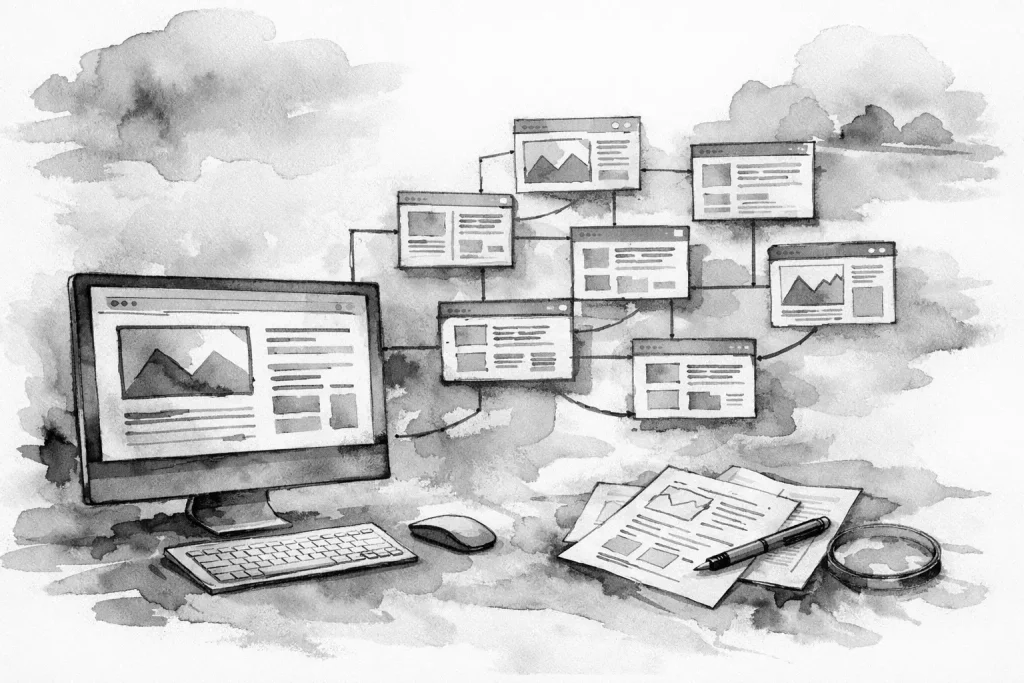
A website can look modern and still make it hard for customers to do business with you. When services are buried, contact options are inconsistent, and important information is spread across unrelated pages, visitors hesitate or leave. To organize website content structure effectively, start with how customers make decisions, not with a menu template.
For a local business, website structure is operational. It determines whether a prospect can confirm that you serve their area, understand what you do, trust your process, and take the next step without calling just to find basic information. It also gives search engines clearer signals about which services and topics your business should be known for.
Start With Customer Tasks, Not Page Names
Most small business websites begin with a familiar set of pages: Home, About, Services, Contact. Those pages are useful, but they are not a content strategy. They describe a website from the business’s perspective, while customers arrive with a job to complete.
A homeowner may need to know whether you handle a specific repair. A facilities manager may be checking whether your company can serve multiple locations. A prospective customer may want proof that your process is dependable before submitting a form. These are different tasks, and the site should support each one quickly.
Before changing navigation, list the questions your team answers repeatedly by phone, email, and in person. Then group them by intent. In most service businesses, the core groups are what you do, who you help, where you work, how the process works, why customers should trust you, and how to get started.
This exercise often exposes missing content. If staff spend time explaining service boundaries, turnaround expectations, required paperwork, or the first step in an engagement, that information likely needs a clear home on the website.
Build a Clear Content Hierarchy
A useful website hierarchy has layers. The top level helps people choose a path. The next level provides the detail needed to make a decision. Supporting content answers narrower questions without crowding the main navigation.
For many local service businesses, a practical structure looks like this:
- A home page that establishes the business, primary services, service area, and next actions.
- Core service pages that explain each meaningful service category in depth.
- Supporting pages for industries, locations, processes, or specialized services when they serve a real customer need.
- Trust content such as team information, project approach, credentials, FAQs, and policies.
- Conversion pages, including contact, request forms, scheduling, or quote requests.
The exact structure depends on the business. A contractor with distinct trades may need individual pages for each service. A professional firm may need pages organized around client problems or industries. A company with multiple locations may need location pages, but only when each page offers useful, accurate information beyond swapping city names.
The goal is not to create the most pages. The goal is to make each important page responsible for one clear purpose.
Give Every Page a Job
A page should answer a specific question or move a visitor toward a specific action. When one page tries to explain every service, every audience, every location, and every company detail, it usually becomes difficult to scan and difficult to maintain.
A strong service page, for example, should explain the problem the service solves, what is included, who it is for, what the process looks like, and how to take the next step. It does not need to repeat the full company history or list every other offering in the business.
That does not mean pages should exist in isolation. Each page needs logical paths to related information. Someone reading about a website redesign may also need to see ongoing website care, local SEO support, or a contact form. The connection should be helpful, not forced.
Organize Website Content Structure Around Primary Services
Your primary services deserve the strongest structure because they usually carry the most business value. Put them where visitors can find them from the main navigation, the home page, and relevant internal pages.
Avoid vague service labels when a clearer description would help. “Solutions” and “Capabilities” may sound polished, but they force customers to guess. “Website Design,” “IT Consulting,” or “Workflow Automation” makes the path more obvious.
At the same time, do not create a separate top-level navigation item for every small variation of a service. Too many menu choices increase friction. Group related offerings under a clear service category, then use subpages when the topic has enough substance and search demand to justify its own page.
For example, a business that provides digital support may have a main Services section with focused pages for custom websites, local search optimization, automation, IT consulting, and ongoing website care. That structure gives customers a straightforward overview while allowing each service to address its own outcomes, process, and requirements.
Keep Navigation Short and Predictable
Main navigation is a decision tool, not a storage cabinet. Visitors should be able to understand it in a few seconds. For most small business websites, five to seven primary navigation choices is enough.
Use standard labels when they fit. People know what to expect from Services, About, Resources, and Contact. Creative labels can work for a distinctive brand, but only if they remain immediately clear to someone who has never heard of the company.
Put lower-priority material in the footer or within relevant sections instead of promoting everything to the main menu. Privacy policies, terms, careers, detailed FAQs, and certain resource pages often belong there. They remain accessible without competing with the actions that generate business.
Mobile navigation deserves special attention. A menu that feels manageable on a desktop can become frustrating on a phone, especially if it contains multiple nested levels. If an item requires several taps to reach, reconsider whether the hierarchy is doing too much.
Make Internal Links Do Useful Work
Internal links help people continue their research and help search engines understand relationships between pages. The best internal links are contextual. They appear where a visitor naturally needs the next piece of information.
A page about local SEO might point readers to website content, technical website care, or the contact page. A service area page might direct visitors to the relevant core service rather than leaving them to return to the menu and start over.
Use descriptive link text in the body copy. “See our website care process” gives more context than “click here.” More importantly, it sets an expectation for the page that follows.
Do not overdo it. A paragraph crowded with links feels promotional and makes the content harder to read. One or two well-placed next steps are usually more effective than linking every related phrase.
Separate Sales Content From Support Content
Not every page needs to sell. Some pages exist to remove obstacles after a customer has decided to work with you. These may include intake instructions, document requirements, service policies, support requests, payment information, or client resources.
Keeping this content organized protects the main sales path. A potential customer should not have to sort through existing-client instructions to understand your offer. Existing customers, meanwhile, should be able to find support information without digging through marketing language.
This distinction is particularly useful for growing businesses with more complex operations. Your website can support the front end of the business and reduce internal back-and-forth at the same time.
Audit What You Already Have Before Adding More
Content sprawl usually happens gradually. An old service page remains published after an offering changes. A blog post competes with a newer core page. Two team members create separate pages for similar topics. The result is unclear priorities for visitors and unnecessary maintenance for staff.
Run a basic content audit at least once a year. Review every key page and decide whether to keep it, update it, combine it with another page, redirect it, or remove it. Pay special attention to duplicate service descriptions, outdated location details, old promotions, and pages with no clear business purpose.
For each page you keep, confirm the owner. Someone should know when the content was last reviewed and what would trigger an update. This matters when pricing policies, staffing, service coverage, forms, or software processes change.
Build for Maintenance, Not Just Launch Day
The best website structure is one your team can maintain. A complicated architecture may look comprehensive at launch, but it creates problems if nobody can keep details current.
Choose a structure that matches your capacity. If you can reliably update a few strong service pages, start there. If your business has distinct locations with different hours, services, or teams, build location content carefully and maintain it consistently. If those differences do not exist, a well-managed service area section may be the better option.
At Erie Digital Co., this is where website strategy becomes more than page design. A clean content structure should support search visibility, lead handling, ongoing updates, and the way your business actually operates.
A useful next step is simple: open your website as if you were a first-time customer with one urgent question. If you cannot reach the answer and a clear next action in a few clicks, the structure needs work. Fix that path first, then improve the rest from there.